
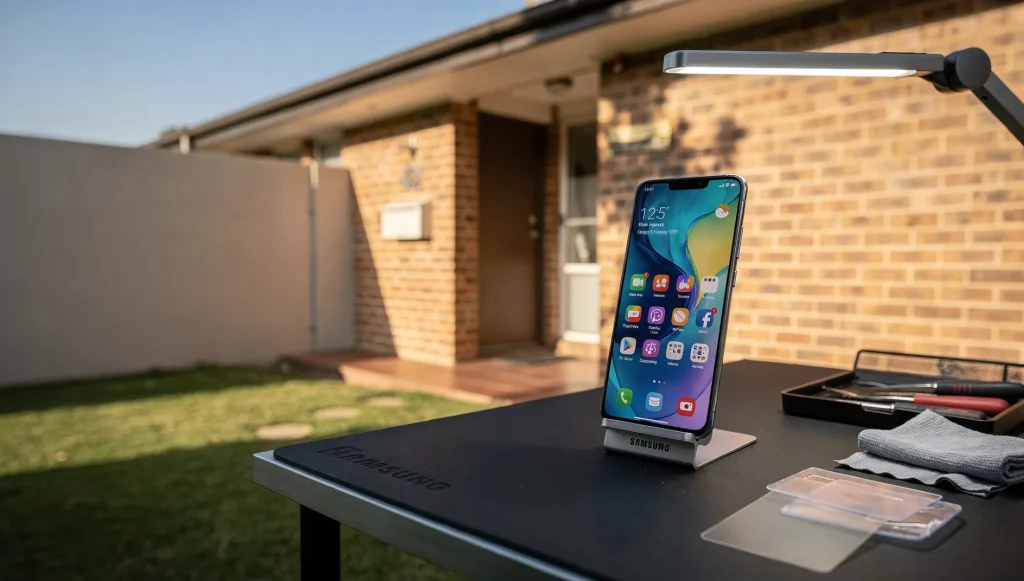
You pick up your phone and it feels alarmingly hot to the touch, almost too warm to hold against your ear. That moment is easy to brush off, but heat is one of the clearest warning signs a device can give you. Persistent overheating is something the mobile phone repairs specialists at Perth Phone Fix see regularly, and it often points to a specific underlying problem rather than bad luck. The trick is learning to read what the heat is telling you.
Normal Warmth Versus Genuine Overheating
Phones are not meant to stay cold. A device generates heat whenever it works hard, so some warmth is completely expected. Gaming, video streaming, GPS navigation, and charging all raise a phone’s temperature, and a warm back panel during these activities is usually nothing to worry about.
The difference lies in how hot it gets and how long it stays that way. Normal warmth eases off once you stop the demanding task. Genuine overheating is different. It feels uncomfortable to hold, it can appear during light use or when the phone is idle, and it may trigger warning messages or force the screen to dim. When heat lingers well after you have closed everything, you are no longer looking at ordinary strain.
What Overheating During Charging Usually Points To
Charging naturally produces heat, but excessive warmth while your phone is plugged in often signals a fault. A few common causes stand out:
- A worn or damaged charging port that struggles to deliver a stable current.
- An ageing battery that loses efficiency and generates more heat as it fills.
- A frayed or poor-quality cable that resists current flow and builds heat at the connection.
If your phone becomes hot near the charging port specifically, or heats up faster than it used to when charging, the port or cable connection is worth inspecting. Charging heat that keeps climbing rather than levelling off is a pattern you should not ignore.
Battery-Related Overheating
The battery is one of the most common sources of serious heat. As lithium-ion batteries age, their internal resistance rises, and that resistance turns into heat during both charging and use. A tired battery works harder to hold a charge, so it runs warmer for the same tasks.
A swelling battery is more concerning. When a battery degrades badly it can expand, trapping heat and putting pressure on nearby components. Warning signs include a phone that feels warm even at rest, a screen or back panel that appears to lift slightly, a device that no longer sits flat on a table, and battery percentages that drop suddenly. A swollen battery should be treated as a safety issue, not a minor annoyance.
Software and Processor Causes
Not all overheating comes from hardware. Software behaviour can push a processor hard enough to raise the temperature noticeably. Rogue background apps that refuse to close properly, syncing services running in loops, and apps that misbehave after an update can all keep the processor busy when you are not actively doing anything.
A recent system update sometimes causes short-term heat as the phone re-indexes files and settles in, which usually resolves within a day. Sustained heat that follows a new app install, however, often traces back to that app. Checking which apps consume the most battery and processing power can reveal the culprit. If a hardware fault has been ruled out, software strain is frequently the reason a phone runs hot, and it can be one of many software and hardware differences worth understanding between iPhone and Android devices.
The Hidden Risks of Ignoring a Hot Phone
Heat is not just uncomfortable, it is corrosive to electronics over time. Sustained high temperatures accelerate battery degradation, which then produces even more heat in a worsening cycle. Prolonged heat can also stress the logic board, weaken adhesive seals that keep out dust and moisture, and shorten the life of the display.
A phone that overheats occasionally under heavy load is unlikely to suffer lasting harm. A phone that runs hot day after day is slowly damaging itself. That is why an early diagnosis often prevents a small fault from turning into a larger, more expensive one.
Simple Checks to Cool a Device
If your phone becomes uncomfortably warm, a few practical steps can bring the temperature down and help you work out the cause:
- Remove the case, which can trap heat against the body of the phone.
- Move the device out of direct sunlight and away from other warm surfaces.
- Close background apps and check for any that are using unusual amounts of power.
- Stop charging if the heat appeared while plugged in, and let the phone rest.
- Restart the device to clear any stuck processes.
If the heat keeps returning after these checks, or if you notice swelling, sudden battery drops, or overheating while the phone sits idle, it is time for a professional diagnosis. Those patterns usually indicate a hardware fault that simple adjustments cannot fix.
Overheating rarely happens in isolation. It is often made worse by the conditions around the phone, especially warmth and direct sunlight. Many Perth users notice their devices struggling far more at certain times of year, which naturally leads into the wider range of seasonal, heat-driven problems local users face when temperatures climb.