
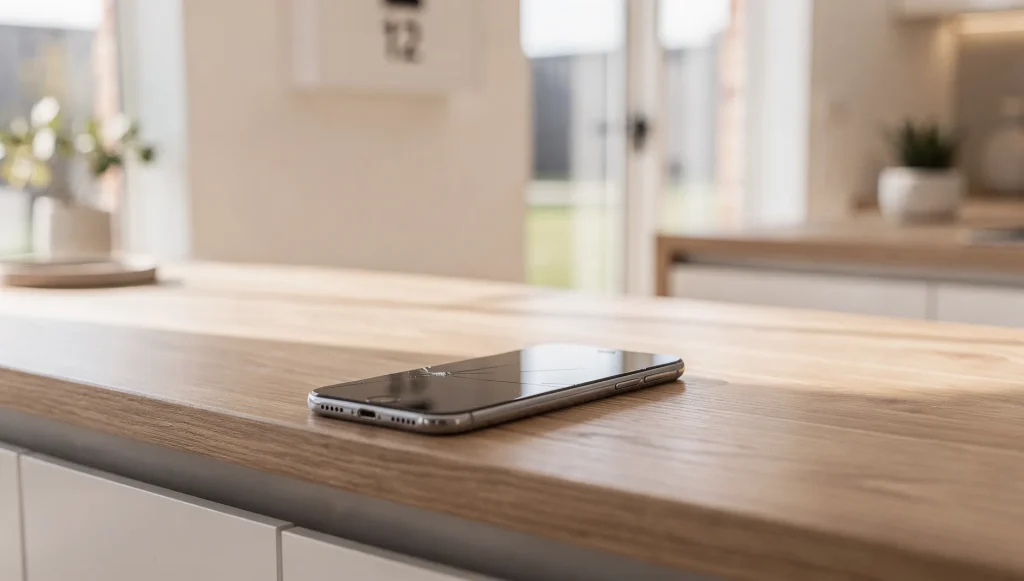
Most people keep using a phone after it cracks because it still turns on, still makes calls, and still shows a passable picture. That instinct feels reasonable – until the problems start stacking up. Understanding the consequences of ignoring a cracked phone screen helps explain why a timely screen replacement in Perth, WA is usually far simpler than managing the cascade of faults that follows a long delay. Once you know what a crack sets in motion, waiting looks a lot less harmless.
If you’re still unsure whether what you’re looking at is actual damage or just surface marking, it’s worth reading our guide on how to tell if your phone screen is cracked or just scratched first. This article assumes the crack is real – and focuses on what happens next.
Prefer to watch or listen?
Listen onApple Podcasts
How a Small Crack Spreads Over Time
Glass under tension doesn’t stay still. A hairline crack is a weak point, and every time you grip the phone, slide it into a pocket, or set it down firmly, that weak point takes on pressure. The crack lengthens, branches, and connects with other stress points.
Temperature changes play a part too. A phone left in a hot car and then brought into air conditioning expands and contracts, and that movement works away at an existing fracture. What looked like a single thin line one week can become a spider-web the next, often with no dramatic incident to blame. The damage simply progresses on its own.
Functional Problems That Creep In
As the crack deepens, it stops being purely cosmetic and starts affecting how the screen behaves. The touch layer and the display sit in thin, delicate layers beneath the glass, and damage reaches them sooner than most people expect.
- Dead touch zones where taps and swipes stop registering
- Areas that respond erratically or activate without being touched
- Flickering, lines, or patches of discolouration across the display
- A screen that dims unevenly or shows blotches of darkness
These faults tend to grow. A single unresponsive strip can expand until typing, unlocking, or answering a call becomes genuinely difficult. At that stage the phone is no longer merely cracked – it’s unreliable.
Safety and Health Risks
A damaged screen is a physical hazard. Cracked glass can leave tiny shards along the fracture lines, and running a finger or thumb across them during everyday use can cause cuts. Fine glass dust is easy to miss and can transfer to your face when you hold the phone to your ear.
A deteriorating display carries its own risks too. Flickering and sudden brightness shifts are hard on the eyes over time, and a screen that behaves unpredictably is a distraction – something worth avoiding when you’re walking, driving, or working. Handling a broken device also raises the chance of the glass giving way further under pressure, worsening both the damage and the hazard.
Opening the Door to Internal Damage
This is where a surface problem becomes an internal one. The glass isn’t just there to be seen through – it seals the phone against the outside world. Once that seal is broken, the barrier against moisture, dust and debris is gone.
Humidity, rain, spills, and even the moisture in a bathroom can seep through a crack and reach internal components. Dust and grit work their way in too, settling on connectors and sensitive parts. Over time this causes corrosion, short circuits, and faults in components that have nothing to do with the screen itself. A crack that started as a display issue can end up affecting the battery, the camera, or the logic board – the parts that make the whole device function.
The Financial Impact of Waiting
A straightforward fix stays straightforward only while the damage is contained to the glass and display. The longer a crack is left, the more likely it is to drag other parts down with it.
When moisture or debris has reached inside, a repair stops being a single swap and becomes a more involved job – cleaning corrosion, replacing additional components, and testing systems that were never damaged in the first place. In the worst cases the cumulative damage reaches a point where the device isn’t worth saving. The delay itself, not the original crack, is what turns a minor repair into a major one.
Recognising the Point of No Return
Some signs suggest the damage has already moved beyond the surface glass:
- The display shows persistent lines, dead pixels, or spreading black patches
- Touch response has failed across large sections of the screen
- The phone has been exposed to water or steam since cracking
- Battery, charging, or camera faults have appeared alongside the crack
- The device overheats, restarts, or behaves unpredictably
When these symptoms show up together, the problem is no longer just the glass on top. The sooner a cracked screen is addressed, the better the odds of keeping the repair contained to the display.
Of course, once a screen genuinely needs replacing, it helps to know that not all screens are built the same. The type of display technology inside a phone shapes how it responds to a knock, how it fails when damaged, and what a replacement actually involves. Understanding the technology behind your display is the next piece of the puzzle worth exploring.