
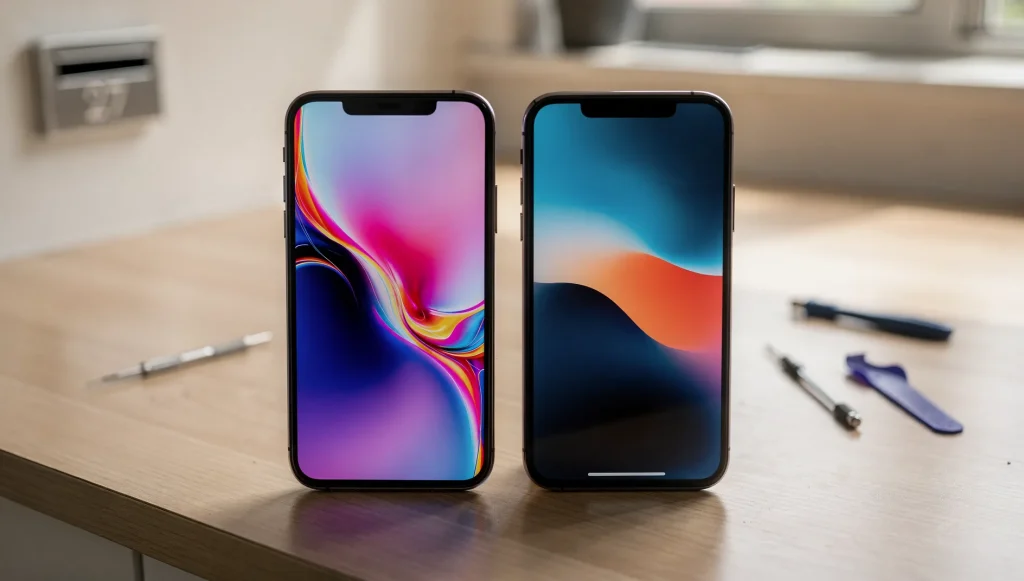
When a phone screen stops working, the first thought is usually how to get it fixed, not what kind of panel the device is actually running. But the display technology inside your phone directly affects how the damage shows up and what a repair involves. Understanding the difference between OLED and LCD helps make sense of what a professional screen replacement service is really dealing with when assessing a damaged device here in Perth.
Both types produce the bright, colourful image you look at every day, but they do it in completely different ways. That difference explains why two cracked phones can behave so differently.
How LCD Screens Produce an Image
LCD stands for liquid crystal display. The key thing to understand is that an LCD cannot make its own light. Instead, it relies on a backlight sitting behind everything else.
The structure is layered. A backlight at the rear shines light forward. In front of it sits a layer of liquid crystals that twist and untwist to let varying amounts of light through. Colour filters then turn that light into the red, green and blue that make up the picture.
Because the backlight runs constantly across the whole panel, an LCD is really a sandwich of separate layers working together. That layered build is part of why LCDs tend to be a little thicker, and why they handle certain types of damage the way they do.
How OLED Screens Work Differently
OLED stands for organic light-emitting diode. The headline difference is simple: every pixel makes its own light. There is no separate backlight at all.
Each tiny pixel lights up individually and can switch itself completely off. When a pixel is off, that part of the screen produces true black because no light is being emitted there at all. This self-lit approach removes the backlight layer entirely, which is why OLED panels can be made thinner and more flexible.
That structural difference is the root of almost everything that sets OLED apart from LCD, both in how it looks and in how it fails.
The Key Visual and Performance Differences
Once you know how each panel is built, the practical differences fall into place:
- Contrast: OLED produces deeper blacks because pixels switch fully off, while LCD blacks are slightly lifted by the always-on backlight.
- Colour: OLED often shows more vivid, punchy colour, whereas LCD tends to look more neutral.
- Brightness: LCD backlights can push strong, even brightness across the whole panel, which can help in bright outdoor conditions.
- Thinness: OLED panels are generally thinner and can curve, since they drop the backlight layer.
- Power use: OLED can be more efficient with dark content because off pixels draw no power, while LCD keeps its backlight running regardless.
Neither is simply better in every situation. Each approach has strengths that suit different phone designs and user habits.
How Each Screen Type Behaves When Damaged
This is where the technology really shows itself. An LCD and an OLED can take a similar knock and look completely different afterwards.
When an LCD is damaged internally, you often see black spots, patches of spreading colour, or liquid-looking bleeding across the panel. Because the liquid crystal layer can be disturbed, pressure damage can spread and grow over the following days.
OLED damage tends to look different. A struck OLED can show dead zones where pixels no longer light, bright or discoloured bands, or large areas that go completely black while another part of the screen still works. Since each pixel is its own light source, losing the connection to a region can switch off that whole area at once.
In both cases, the glass on top can crack independently of the panel beneath it, which is why a screen can look shattered yet still respond, or look intact yet behave strangely.
Why the Display Type Shapes the Repair Approach
The internal design of the panel influences how a fault is assessed. A spreading black patch on an LCD and a sharp dead strip on an OLED point to different internal issues, even when the external crack looks the same.
It also explains why some faults look far worse than they are. A screen covered in black bleeding can still have perfectly healthy touch and electronics underneath, while a display that looks clean can hide a broken connection inside. If you’ve read about what happens when you ignore a cracked phone screen, you’ll know how quickly surface damage can reach the layers that actually matter.
How to Tell Which Screen Type Your Phone Uses
You usually don’t need any tools to make a reasonable guess:
- Display a solid black image in a dark room. If the black looks truly inky and the screen almost disappears, it’s likely OLED. If black looks faintly grey or glows slightly, it’s probably LCD.
- Thinner, curved-edge phones and higher-end models often use OLED.
- If brightness looks very uniform and the blacks never fully vanish, a backlit LCD is the likely answer.
These are rules of thumb rather than certainties, but they help you understand what sits behind your glass.
Cracks and total blackouts are only part of the story. Screens can also fail in subtler ways, misbehaving while the glass still looks perfectly intact. When a display starts showing flickering images or unexpected lines across the screen, the cause often sits deep in the panel’s internal structure rather than on the surface, and those specific symptoms are worth understanding on their own.