
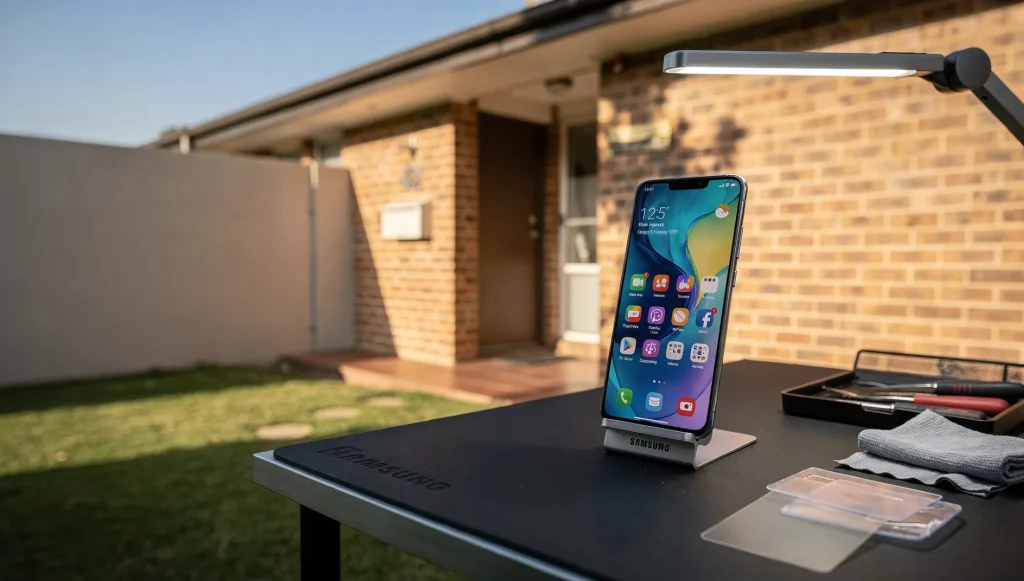
Once you’ve committed to getting a device fixed, the smartest thing you can do is spend ten minutes preparing before you leave the house. A well-organised drop-off means the person handling your mobile phone repairs in Perth, WA can turn the device around quickly, verify the fault on the spot, and avoid the back-and-forth that slows everything down. If you’ve already worked through the decision of whether repairing beats upgrading, this is the practical next stage: getting yourself and your device ready.
Note the Exact Symptoms and When They Started
The most useful thing you can bring is a clear description of what’s wrong. Technicians diagnose faster when they know exactly what to look for, rather than guessing from a vague “it’s not working properly.”
Before you come in, jot down a few details. When did the problem first appear? Does it happen all the time or only sometimes? Did anything specific trigger it – a drop, water, a software update, or a dead battery? These small clues often point straight to the cause and can save a lot of testing time.
Record Your Device Details and Known Issues
Have the basics ready so nobody has to dig for them. Knowing your model, storage size, and repair history helps the technician plan the right approach from the start.
- The device model and how much storage it has
- Any previous repairs, including screen or battery replacements
- Existing quirks – a dodgy button, a hairline crack, or intermittent charging
- Whether the device has ever had liquid contact
Mentioning older issues upfront matters. A fault you assumed was unrelated can sometimes explain the new problem entirely.
Clear Your Locks or Have Your Passcode Ready
Most repairs need the device to be switched on and tested afterwards, and that usually requires getting past the screen lock. If a technician can’t power the phone up and check that everything works, they can’t confirm the repair was successful.
Turn off activation locks and “Find My” style features before you drop off, or be ready to do it in person. Have your passcode written down or ready to share so the device can be tested properly. If you’d rather not disclose it, ask whether you can be present when the device is powered on and verified.
Remove Cases, Protectors, and Cards
Strip the device back so the technician can access it without hunting for hidden clips or peeling off accessories. It also protects your belongings from getting misplaced.
- Take off cases, covers, and pop-sockets
- Remove any aftermarket screen protector if you’re comfortable doing so
- Pop out your SIM card – it holds your number and, on some plans, contacts
- Remove any memory card, which may store photos and files
- Unplug and take home cables, headphones, or stands
Keeping your SIM and memory card with you means your personal information stays in your pocket, not on a workbench.
Charge the Device and Bring the Charger
If the phone still powers on, charge it before you leave. A device with some battery lets the technician confirm the fault immediately instead of waiting for it to charge enough to boot.
Bring your charger and cable too. If the complaint involves charging or power, the technician can test with your exact accessories – sometimes the fault is the cable, not the phone. If the device is completely dead, that’s fine; just flag it so it can be plugged in first.
Set Expectations Before You Hand It Over
A short conversation at drop-off prevents most misunderstandings. Ask the questions that matter to you so you know what to expect.
- Roughly how long the repair should take
- What kind of parts will be used and how they compare to the original
- How the device is stored and handled while it’s in for repair
- What happens if a second, hidden fault turns up during the work
Getting clear answers now means no surprises when you return to collect the device.
The One Step That Matters Most
Of everything on this list, one task outweighs the rest: protecting your personal data before the device leaves your hands. Clearing locks and removing cards is important, but making sure your photos, contacts, messages, and files are safely copied somewhere else deserves proper, unhurried attention.
Repairs almost always go smoothly, yet the sensible habit is to assume anything on the device could be affected and plan accordingly. Before you drop off, take the time to learn how to safely copy your data elsewhere so nothing irreplaceable is ever at risk – that peace of mind is worth far more than the few minutes it takes.